The best free trading journal
The genuinely free way to journal well isn't a stripped-down app — it's a great template. Here's the best free option, plus the paid tools worth trying free.
Free download · Updated October 2026
See what's inside
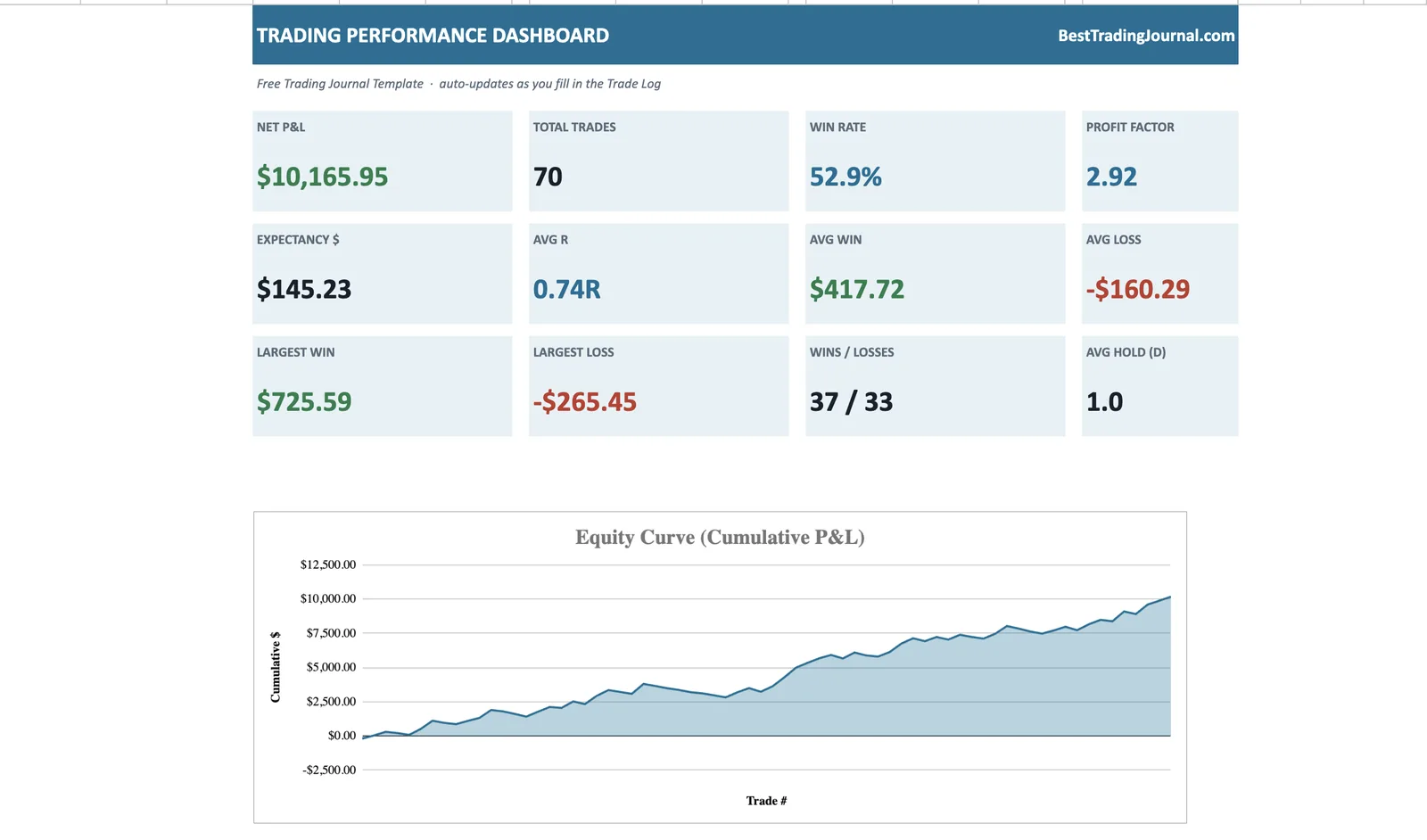
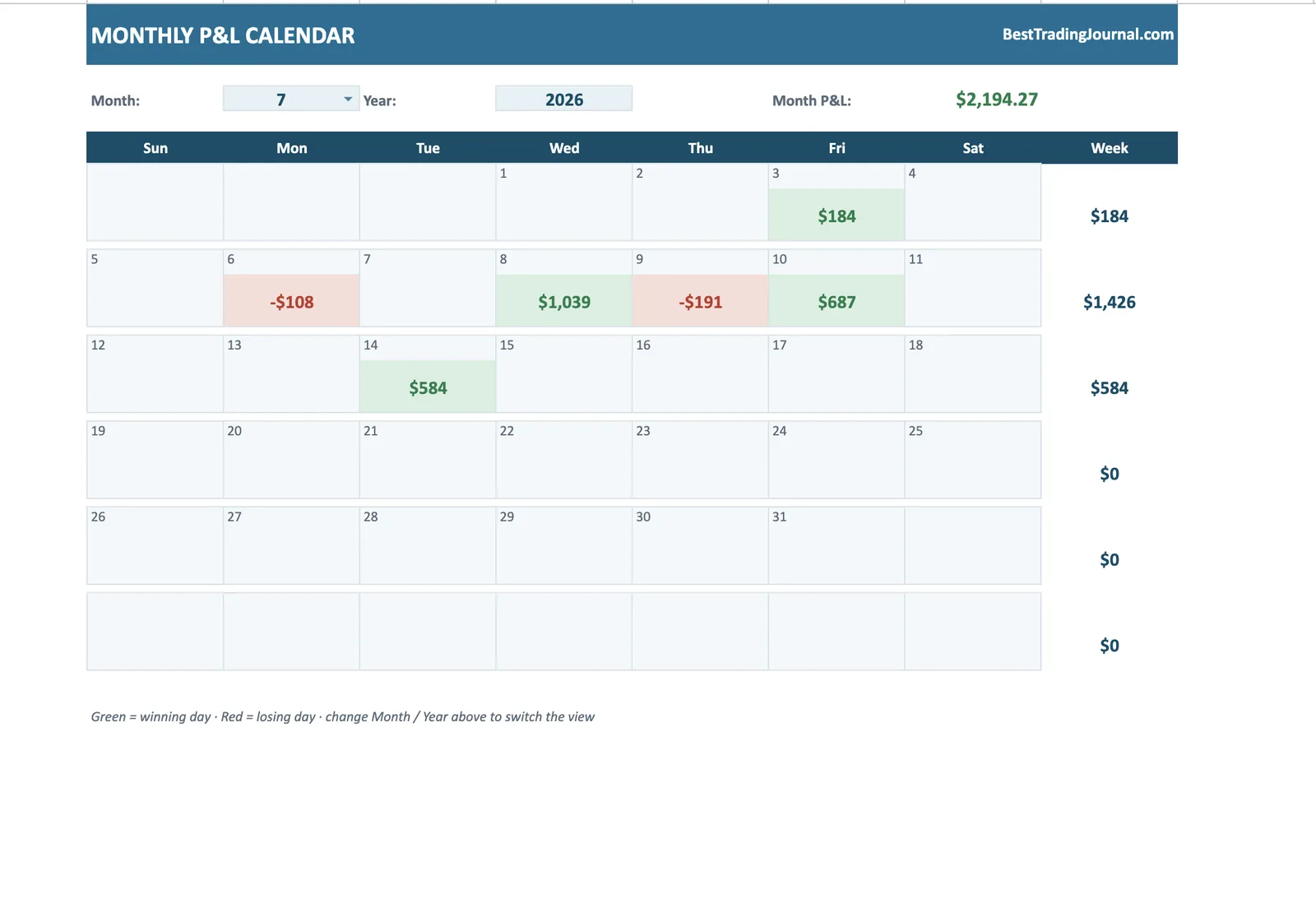
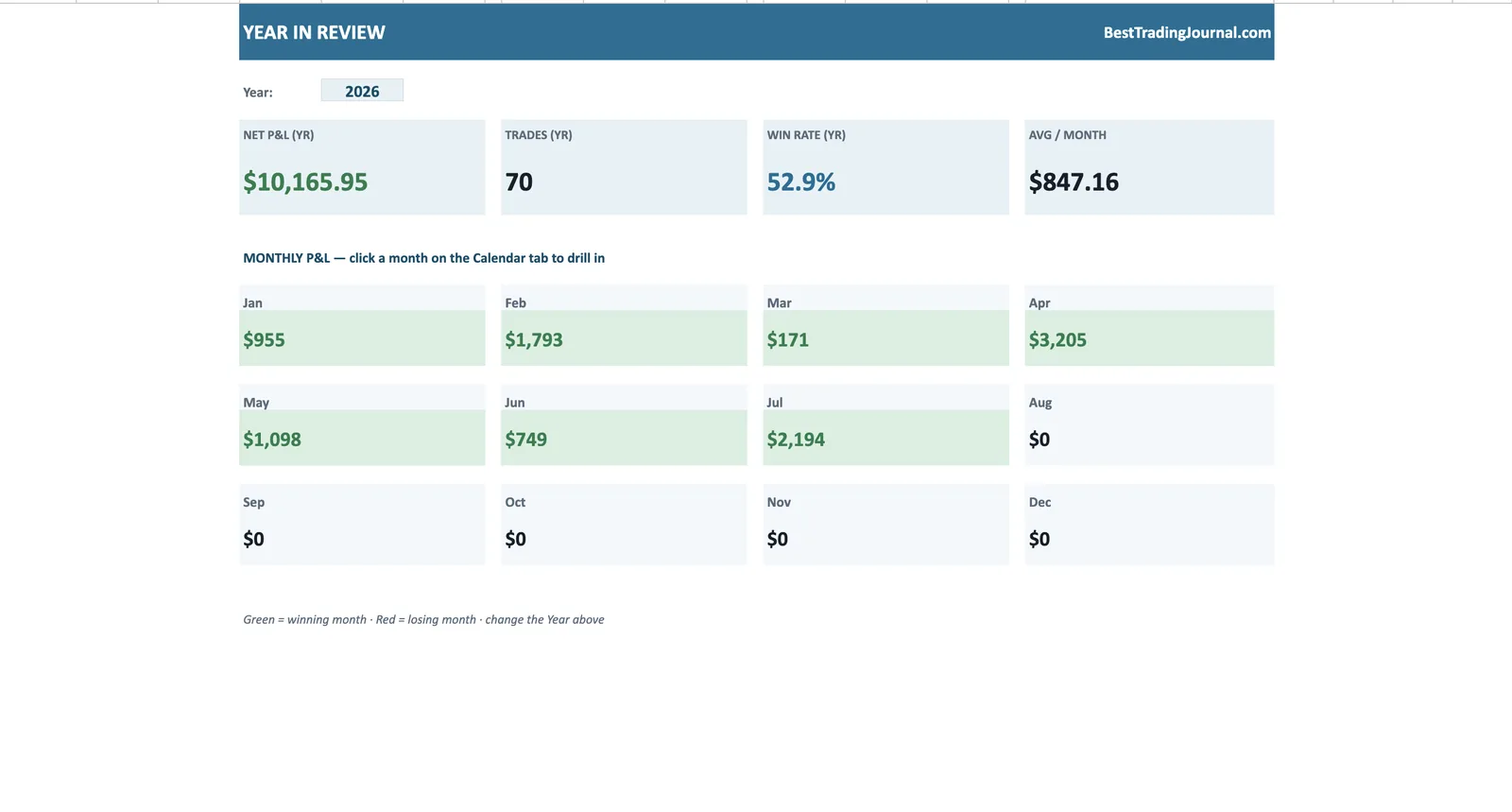
What free actually buys here: a dashboard, calendar and heatmap most platforms put behind a subscription.
Get the best free trading journal template
Enter your email and we'll send the free, self-calculating template — Excel or Google Sheets.
No spam. Just the template — free.
"Free" in trading-journal software usually means a crippled tier: a hard cap on trades, locked analytics, and a constant nudge to upgrade. You end up with a demo, not a journal.
The genuinely free option is a well-built spreadsheet template — no trade limits, no locked features, no clock. Ours gives you the full analytics suite for nothing, and for most traders it's all you'll ever need.
The best free option: a professional template
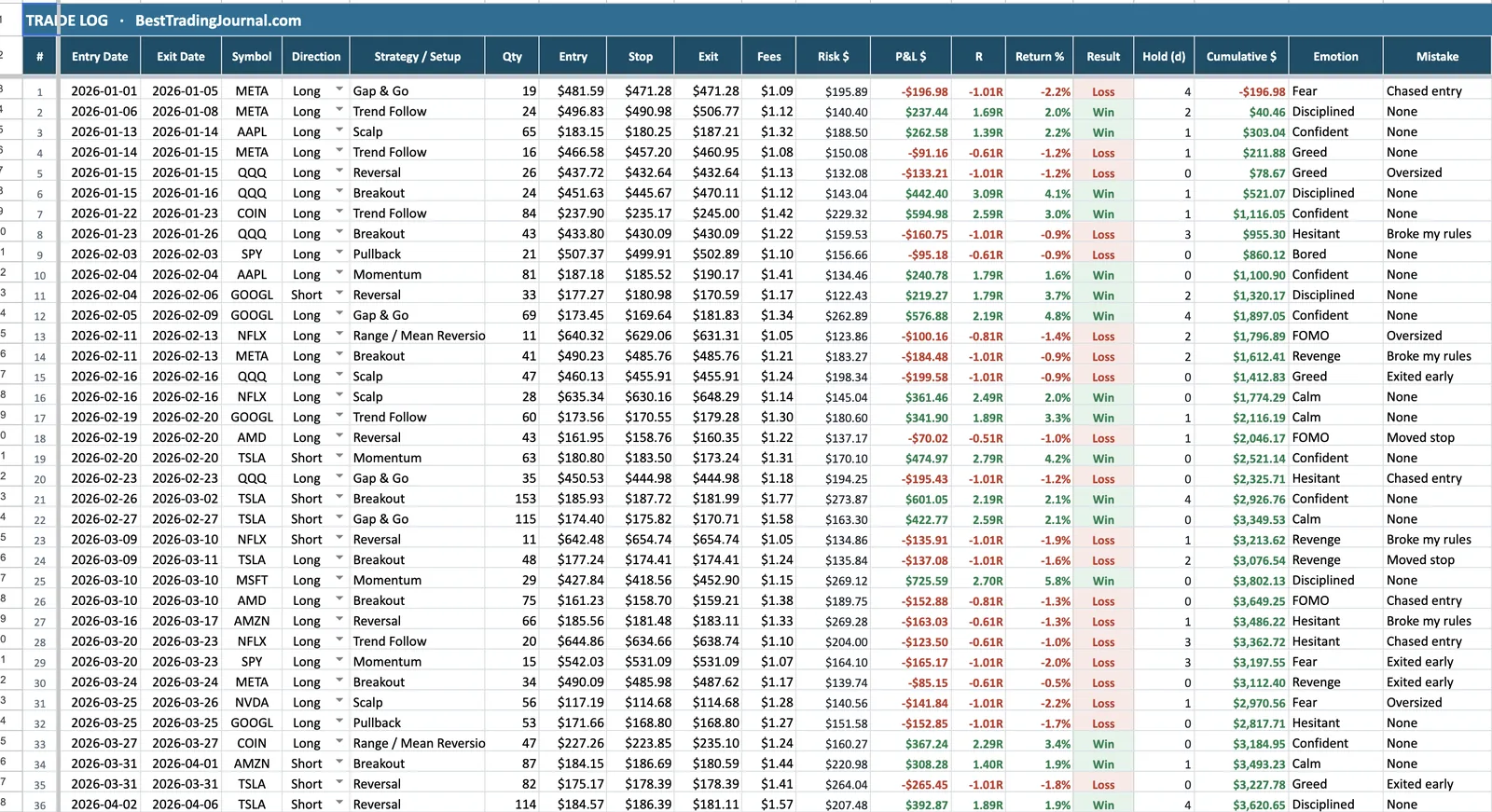
Our template is free, unlimited and complete. It auto-calculates R-multiple, win rate, profit factor and expectancy, draws a live equity curve, and includes a monthly P&L calendar — the exact features the "free" tiers of paid apps hold back. Because it's a file you own, there's no account, no trade cap and nothing to expire.
Free trials of the paid tools
If you want automatic broker sync, trade replay and cloud dashboards, the paid platforms deliver — and most let you try before you buy. The smart move is to run the free template now and trial a paid tool when you're ready to compare it against what you already have.
Our top-rated pick offers a free trial and undercuts the big names on price, so it's the natural first tool to test when you outgrow the spreadsheet.
When to upgrade from free
Stick with the free template until you feel a specific limitation — usually manual entry becoming a chore at higher volume, or wanting to replay trades bar by bar. That's the moment paid software earns its cost. Until then, free really is enough.
Outgrown the spreadsheet? Try TradeOlogy
The other genuinely free option is TradeOlogy's free tier - unlimited manual entry, CSV import and the full analytics dashboard. Run it beside the spreadsheet and keep whichever earns the habit.
Keep reading
Best Free Trading Journal — FAQ
What's the best free trading journal?
For most traders, a complete, self-calculating spreadsheet template beats the free tier of any app — it has no trade limits and no locked analytics. Ours is free and includes the full dashboard, charts and P&L calendar.
Are the free tiers of trading-journal apps any good?
They're usually limited — a small monthly trade cap and reduced analytics designed to push you to a paid plan. Fine for a quick look, but a good template gives you more for free.
Is your free template actually unlimited?
Yes — it's a file you own, so there's no trade cap, no locked features and nothing to expire. Log as many trades as you like.
When is it worth paying for journaling software?
When manual entry becomes a chore or you want automatic broker sync and trade replay. Until you hit a specific limit, the free template does the job.